 Modern Day Pioneer
Start a Journey
A Journey holds one family history: its people, pictures, recordings, memories and stories.
- Install the app (Installing) and open it.
- Type a name for the Journey, such as “The Rowan Family”. You can change it later.
- You arrive on Home. The Getting started card lists five first steps. Each one ticks itself off when you do it, and Show me opens its Help page.
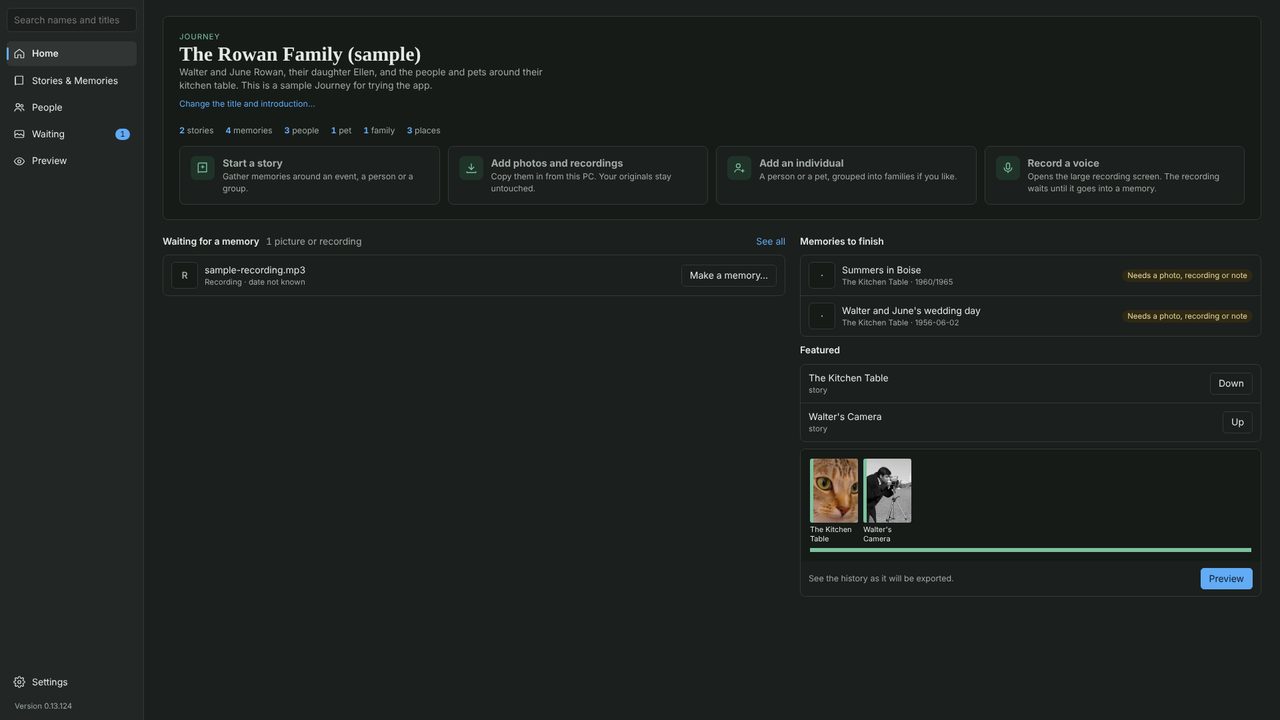
The sidebar takes you to Stories & Memories, People, Waiting (pictures and recordings not yet in a memory) and Preview. Help at the foot of the sidebar opens these pages.
Don’t need the card? Click Hide this. Help › Show the getting-started card again brings it back.
A narrated video, “Modern Day Pioneer in two minutes”, is coming soon to the Videos page.