Modern Day Pioneer
Record and transcribe
- Open the memory the story is about and click Record someone telling it. (Or click Record a voice on Home; the recording waits in Waiting until it goes into a memory.)
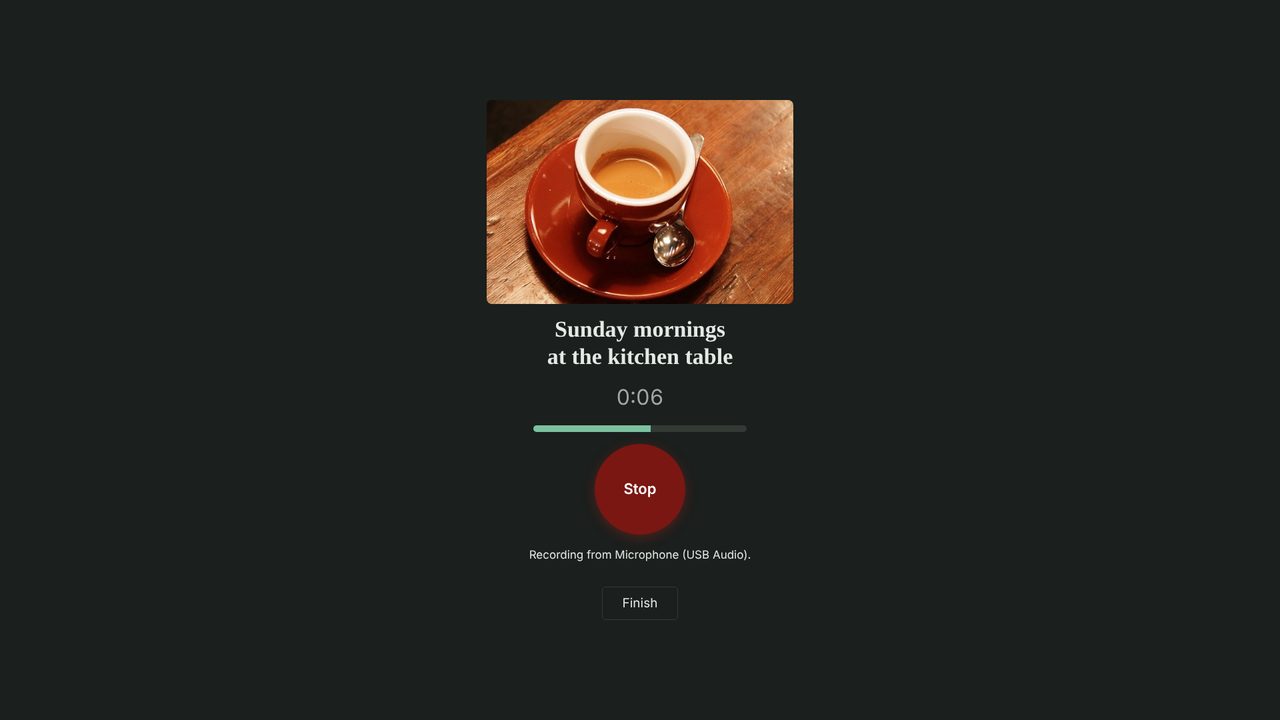
- The large recording screen shows the memory’s picture and title. Click Record, let them talk, then click Stop.
- Click Finish, then Save it. You can also listen first, delete it, or keep recording.
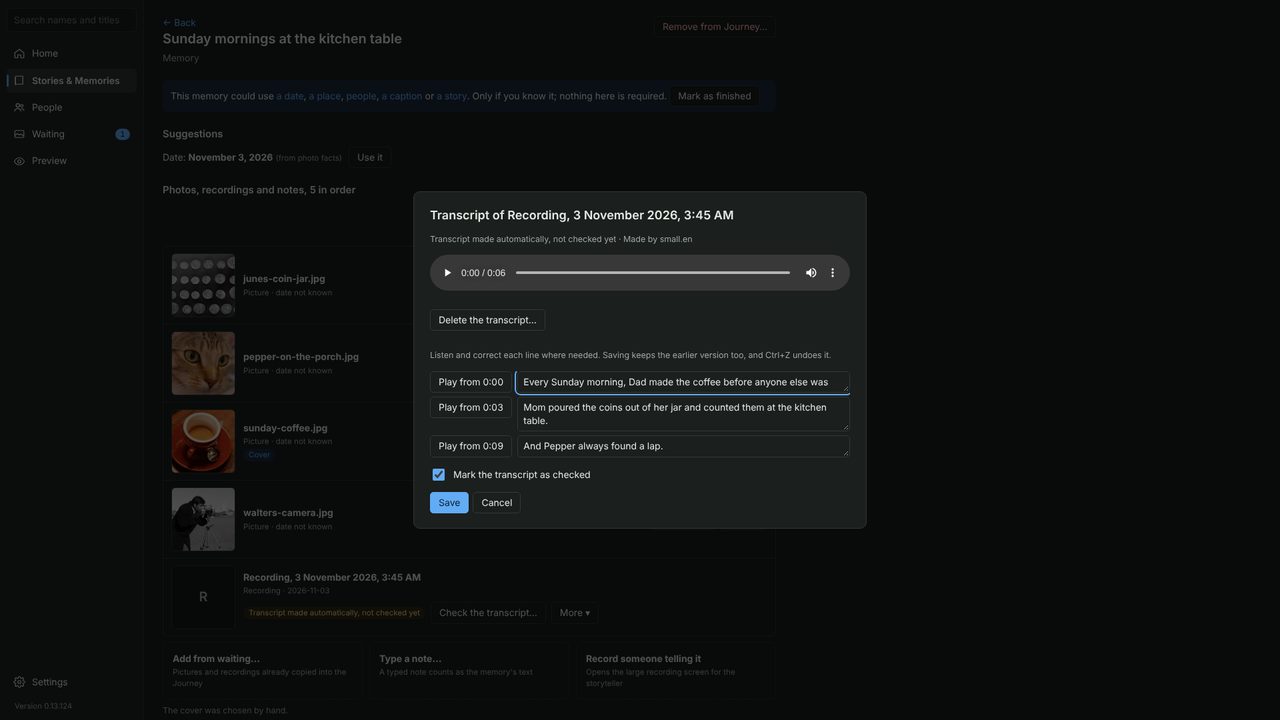
The transcript is written in the background, on your computer, with no internet needed (the first time, the app offers to download its speech model). When it is ready:
- Click Check the transcript.
- Play each line and fix any words it heard wrong, especially names.
- Tick Mark the transcript as checked and click Save.