 Modern Day Pioneer
Preview and export
- Click Preview in the sidebar, then Open the preview. A yellow line says what is left out, such as memories with nothing in them yet. Living people’s details are left out unless you change that in Settings.
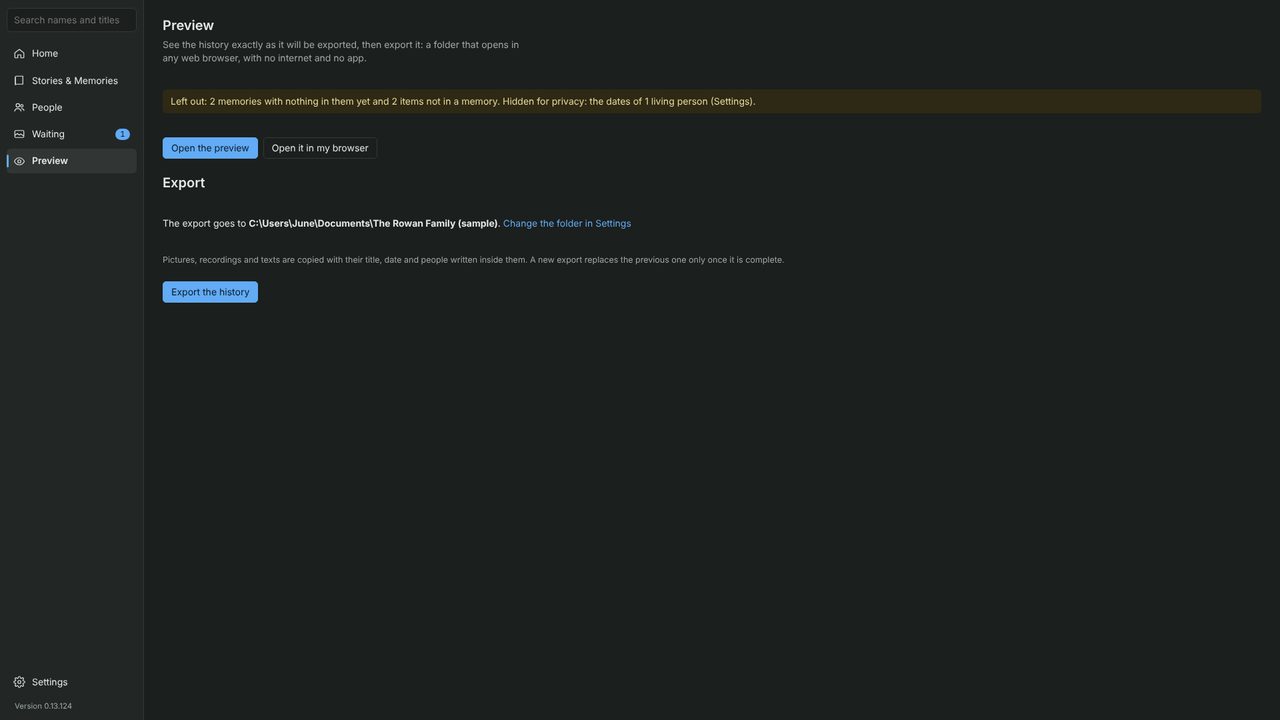
- When you’re happy, click Export the history. It goes to the folder shown, which you can change in Settings.
- Click Open the export to see it in your web browser, or Show the folder to see the files.
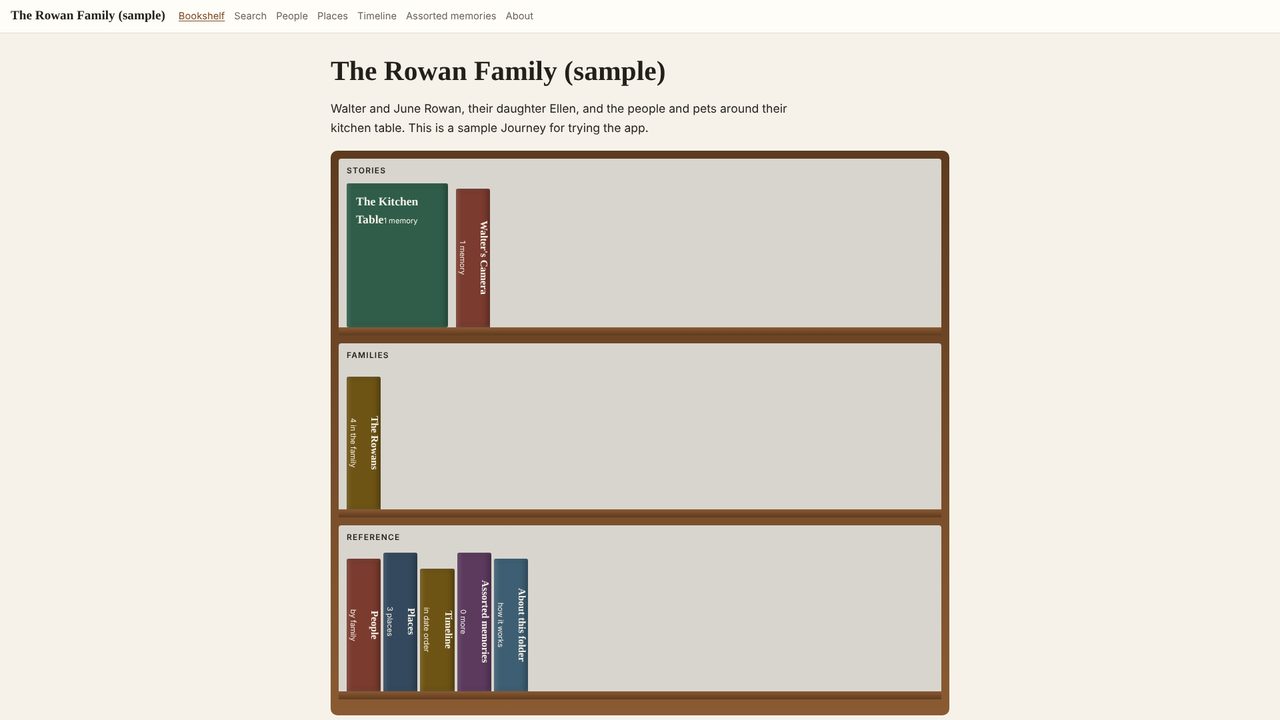
The export is a folder of ordinary files: photos, recordings, plain web pages and a file called Open me. Anyone can double-click it to open the family history, with no app, account or internet. Copy it to a USB drive or share it with family, and export again whenever you add more.