 Modern Day Pioneer
Make a story
A story gathers memories around one event, person or group, and becomes one book on the shelf of the exported history. A memory can be in more than one story.
- Go to Stories & Memories and click New story. Give it a title, like “Life with Walter”, and click Add.
- If the story is about someone, choose them. Write a short introduction, then Save changes.
- Click Add memories already in the Journey, tick the ones that belong, and click Add.
- Use Move up and Move down to put them in order. The cover is the first picture in the first memory that has one.
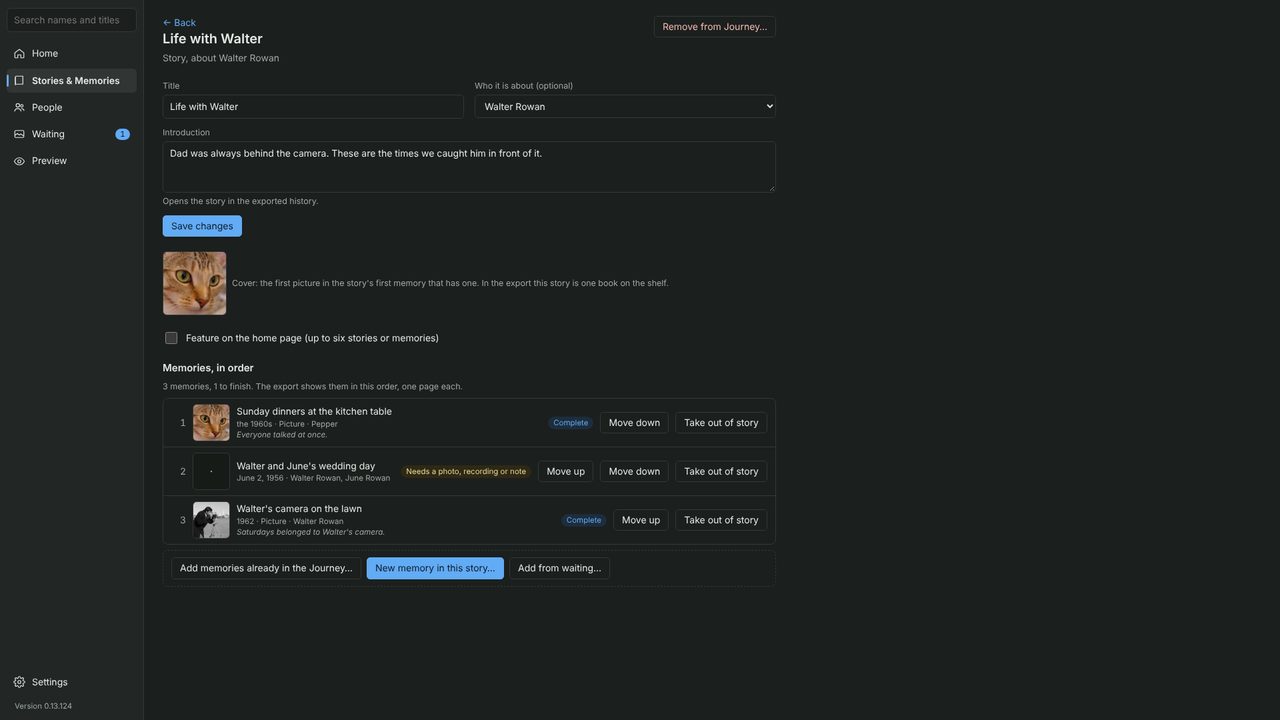
You can also start a new memory right inside the story, or bring in photos from Waiting.