Modern Day Pioneer
Make a memory
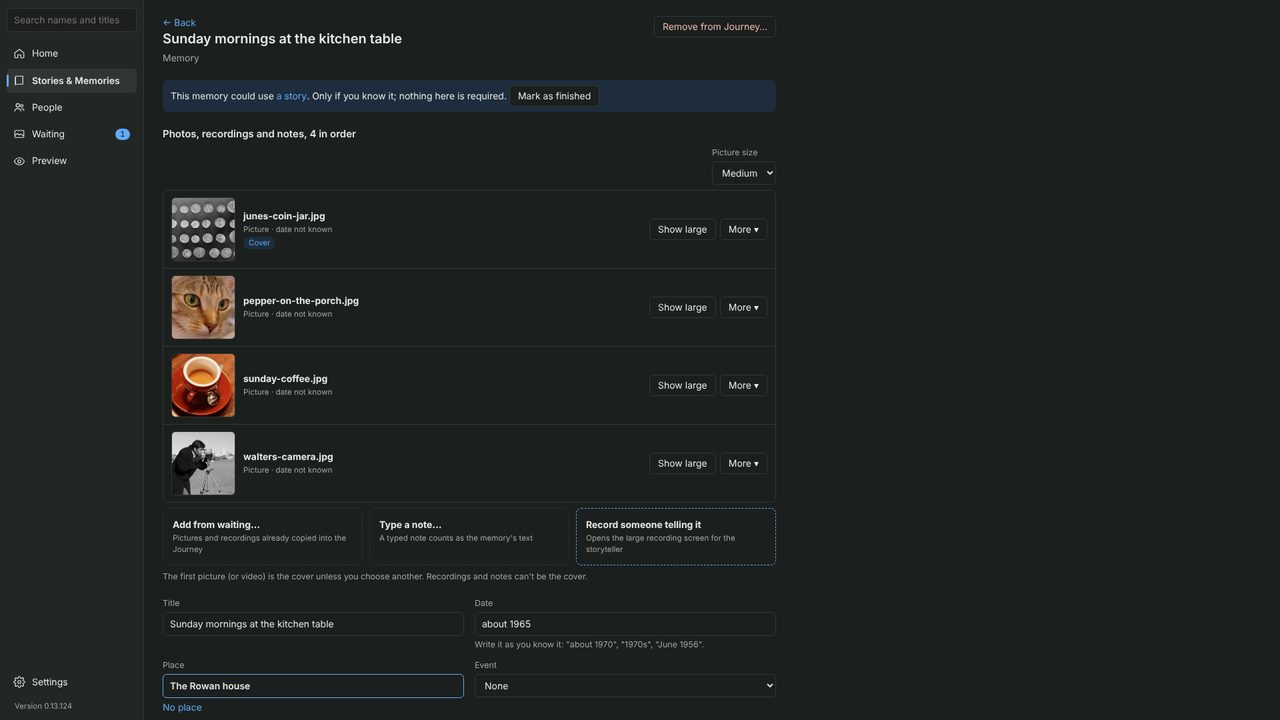
A memory is one moment: a few photos or recordings, with who, when and where. Everything reaches the family history through a memory.
- In Waiting, tick the photos that belong together and click Put into a memory.
- Give it a title. You can put it in a story now, or later.
- Click Open this memory to add more. Nothing is required; add only what you know:
- Date, the way you know it: “about 1965” or “June 1956”.
- Caption: a sentence or two about what is happening.
- Place: start typing; the app suggests places already in the Journey.
- Who: names separated by commas; the app suggests people you’ve added.
- When it feels done, mark it as finished.