 Modern Day Pioneer
Make an In memory of page
An In memory of page is about one person, built from the memories that matter most, each with a few words on why. It works for the living too, as a celebration.
- Open the person from People. Under In memory of, click Start an In memory of page.
- Keep the suggested title, such as “In memory of Walter”, or change it, and click Add.
- Write a short introduction about who they were, then click Save changes.
- Click Add memories already in the Journey and tick the ones that matter most.
- For each memory, click Why it matters, write a few words, and click Save. Put them in order with Move up and Move down.
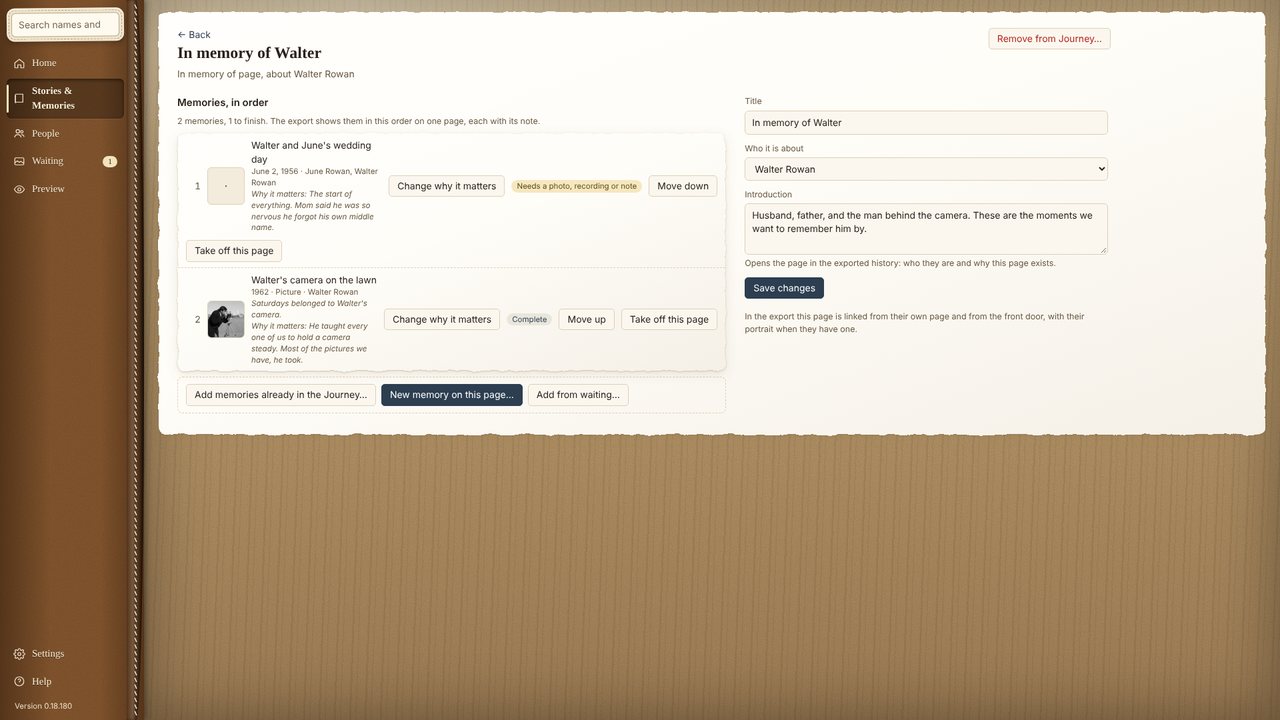
In the export, the whole page shows together, linked from the person’s page and from the front door.