 Modern Day Pioneer
Bring in photos
Your originals are never changed: the app copies them into the Journey.
A few files
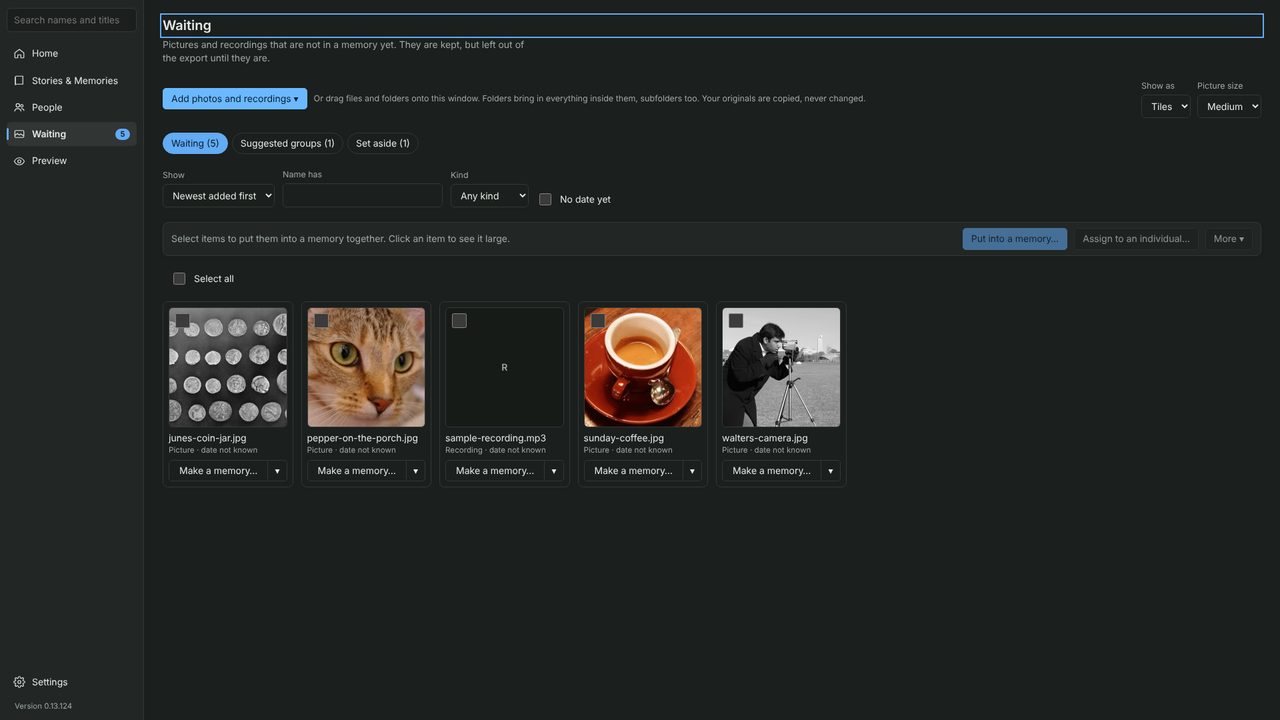
- On Home or Waiting, click Add photos and recordings, then Choose files.
- Pick the photos and click Open. They land in Waiting, a holding place for pictures and recordings that aren’t in a memory yet.
A whole folder
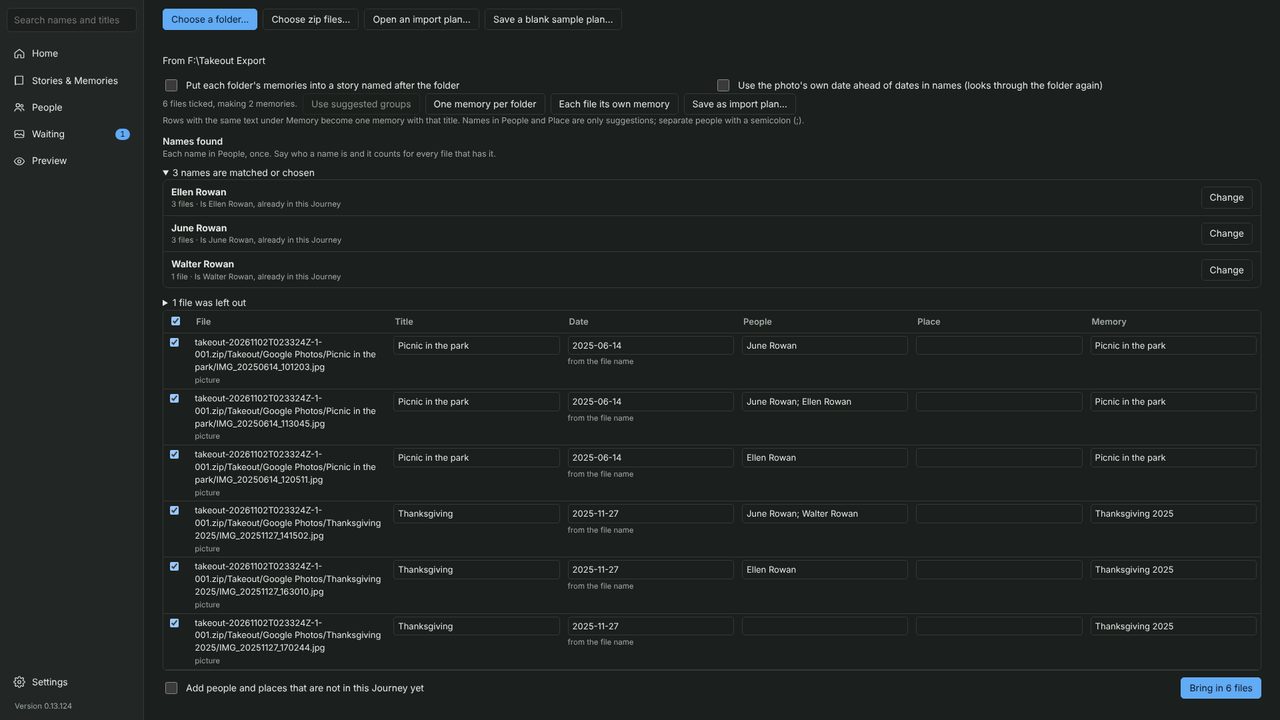
- Click Add photos and recordings, then Bring in a folder with a preview….
- Pick the folder. You see a preview first: dates are read from folder and file names, and names of people already in the Journey are suggested.
- Click Bring in. Undo takes the whole import back.
Google Photos
- Click Add photos and recordings, then Bring in from Google Photos, and follow the three steps: ask Google Takeout for a copy, download every part into one folder without unzipping, then Choose the zip files.
- Photos come in with their dates, captions and the people tagged in them.
A narrated video, “Bring in your photos from Google Photos”, is coming soon to the Videos page.