Modern Day Pioneer
Add people, pets and families
- Go to People and click Add an individual.
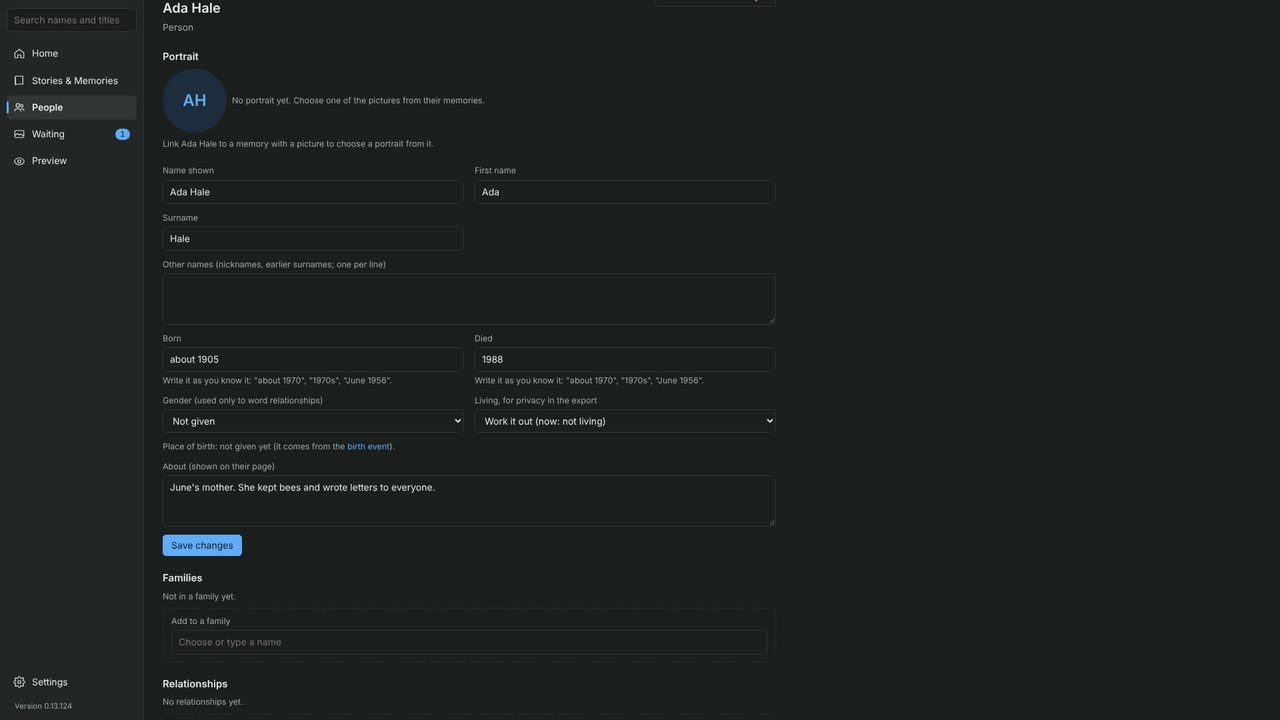
- Type the name the family uses, choose Person or Pet, and click Add.
- Fill in what you know. Dates can be rough, like “about 1905”. Add a few words about them, then click Save changes.
- Under Relationships, say how they are connected: start typing a name and pick it from the list. The app suggests relationships that follow, like grandparents; click Yes, add it or Not right.
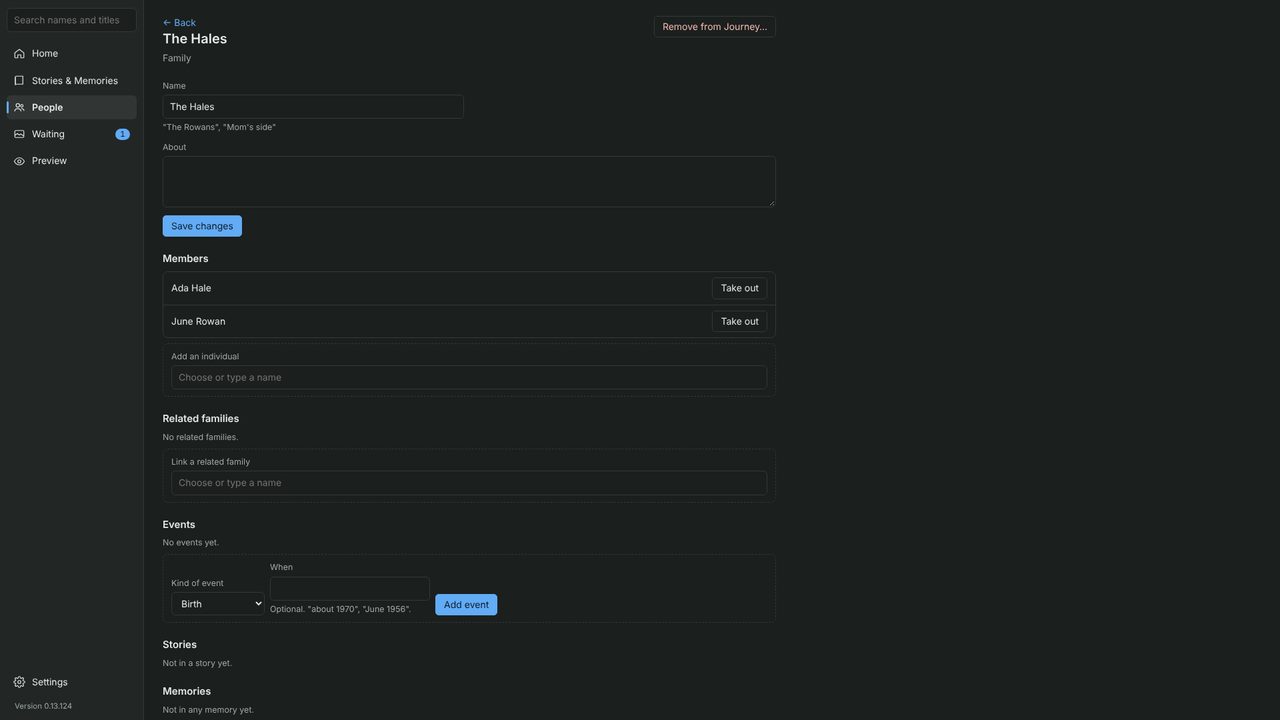
Families: on People, click New family, give it a name such as “The Hales”, and add its members. Someone can belong to more than one family.